Write, execute, and manage Python code directly within Microsoft Excel workbooks. Full-featured IDE, custom function publishing, package management, and real-time debugging.
Everything you need to supercharge Excel with Python
Run Python code with full access to Excel objects. Manipulate worksheets, ranges, and formatting directly from Python.
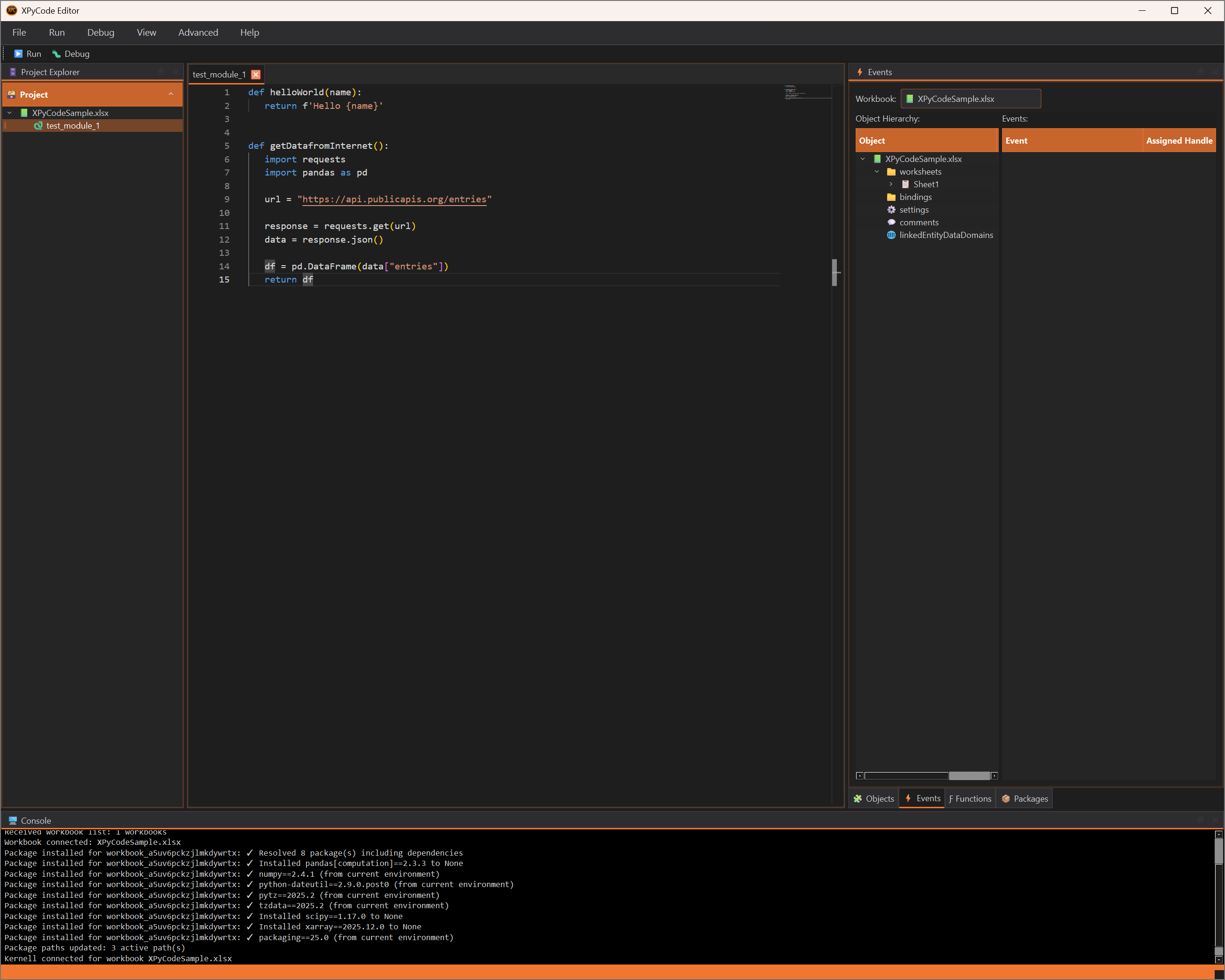
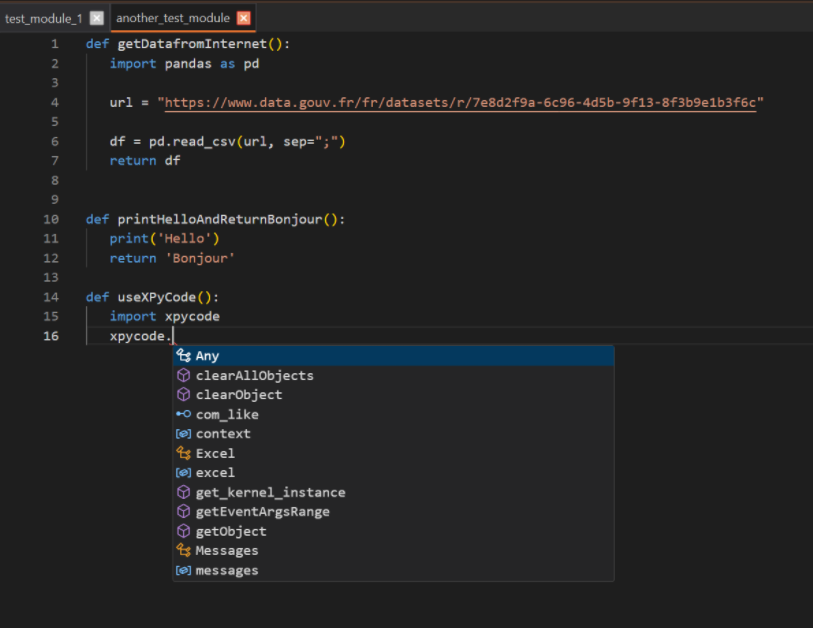
Monaco-based code editor with IntelliSense, syntax highlighting, and full debugging capabilities.
Install and manage Python packages per workbook with full dependency resolution and version control.
Publish Python functions as Excel formulas. Use them like any native Excel function.
React to Excel events like worksheet changes and selections with Python callback functions.
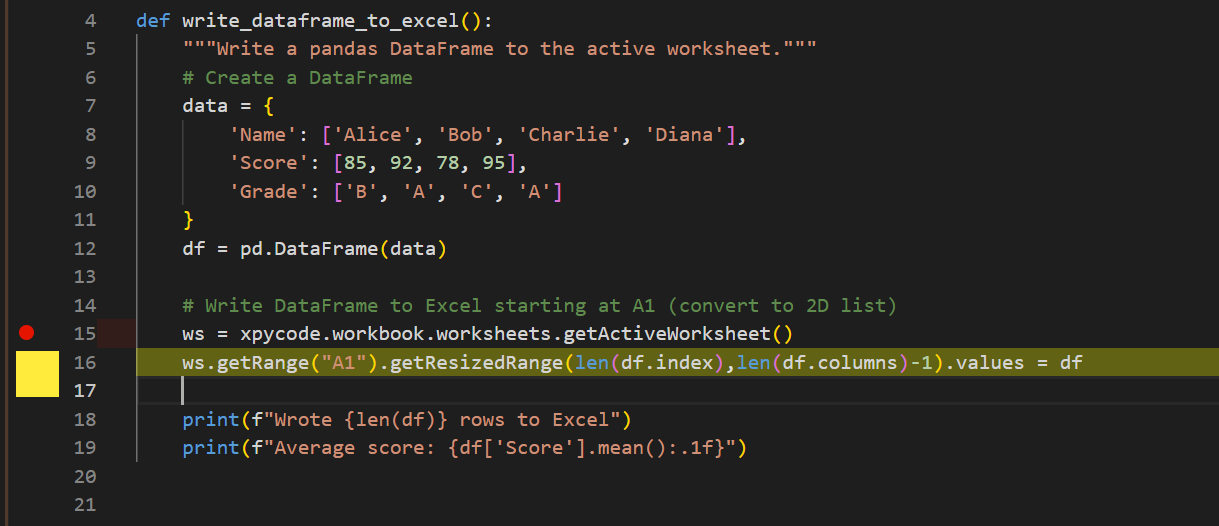
Set breakpoints, step through code, and inspect variables with a full-featured debugging experience.
The XPyCode IDE brings professional development tools directly to your Excel workflow.
Get up and running in minutes
Choose your preferred installation method.
Load the XPyCode add-in and launch the development environment.
<> Editor
Create modules and start writing Python code that interacts with Excel.
def updateExcelFromPython():
import xpycode
ws = xpycode.worksheets. getActiveWorksheet()
rA1 = ws.getRange("A1")
rA1.values = "Hello"
rA1.format.fill.color = "yellow"
A modular design for flexibility and performance
Office.js-based interface
FastAPI message broker
PySide6 + Monaco Editor
Per-workbook execution environment
System requirements and quick setup
Windows 10/11 (64-bit)
MacOS 14 or higher
Linux experimental3.9 or higher
2016 or later
With Office.js Add-in supportpip install xpycode_master
python -m xpycode_master --setup
The Excel Add-in will be automatically registered.
Start using Python in Excel today with XPyCode